6 CTR Manipulation Tools for Geo-Targeting Campaigns
Your geo-targeted campaign is getting impressions from the right cities but no clicks. Some tools promise location precision and then deliver generic traffic, which is why teams start comparing platforms. This guide gives you concrete criteria for judging them.
You will learn what separates real geo-targeting from vague location claims, including device targeting and proof of visits. We break down six tools, compare their strengths, and name a clear top pick, so you can choose one that matches your campaign goals.
What to Look For in Geo-Targeting CTR Manipulation Tools
Evaluating geo-targeting CTR manipulation tools requires checking location precision down to city level, device-specific targeting, and verifiable proof that clicks actually occurred. These three criteria separate tools that can support a real geographic targeting strategy from ones that only approximate it.
A tool that clicks from anywhere in a country tells you very little about how a page performs in a specific market. Localized behavioral signals only mean something when the traffic originates from the right place, on the right device, at a believable pace.
Without documented evidence of each visit, a campaign becomes impossible to audit. You cannot tie changes in click-through rate or SERP ranking to your activity, and you cannot show a client or stakeholder what was delivered. Unverifiable campaigns are risky campaigns, both for measurement and for trust.
The framework below covers the criteria applied throughout this roundup. Each tool is assessed on the same three questions: how precise is the targeting, how well is the device simulated, and what proof comes back after a campaign runs.
Location Precision, Device Targeting and Proof of Visits
Location precision means the tool can restrict clicks to a specific country, state, or city, and device targeting means it can simulate either desktop or mobile user agents consistently. Proof of visits means the tool returns evidence that each click happened as specified.
Location precision is the first filter. Country-level targeting is table stakes. The real question is whether you can isolate a metro such as Austin, Texas rather than the entire United States. City-level targeting matters because search results, competition, and search volume differ sharply between markets.
How the tool sources its IP addresses matters just as much. Residential proxies route clicks through real consumer connections, which look far more natural than datacenter ranges that search engines can flag. Reliable IP rotation across a proxy network keeps repeated visits from tracing back to a single source.
Device targeting comes next. A campaign should let you choose desktop or mobile per run, and the user-agent string should match the device being simulated. A mobile user agent paired with a desktop screen resolution, or the reverse, is an inconsistency that undermines the whole exercise.
Proof of visits closes the loop. Look for screenshots of the search results page, the landing page as rendered, and timestamps for each visit. Combined with keyword position tracking and logs, this evidence lets you connect geo-specific clicks to changes in organic CTR and engagement metrics.
- Location: city-level targeting available, residential proxies preferred, IP rotation handled sensibly
- Device: desktop and mobile selectable per campaign, user-agent strings matched to the simulated device
- Proof: screenshots of SERP and landing page, timestamps, and exportable logs for every visit
Applied together, these criteria show whether a tool can deliver believable behavioral signals, from dwell time to bounce rate reduction, in the exact market you care about. The reviews that follow use this same checklist so results stay comparable.
1. CTRTool - Best Overall
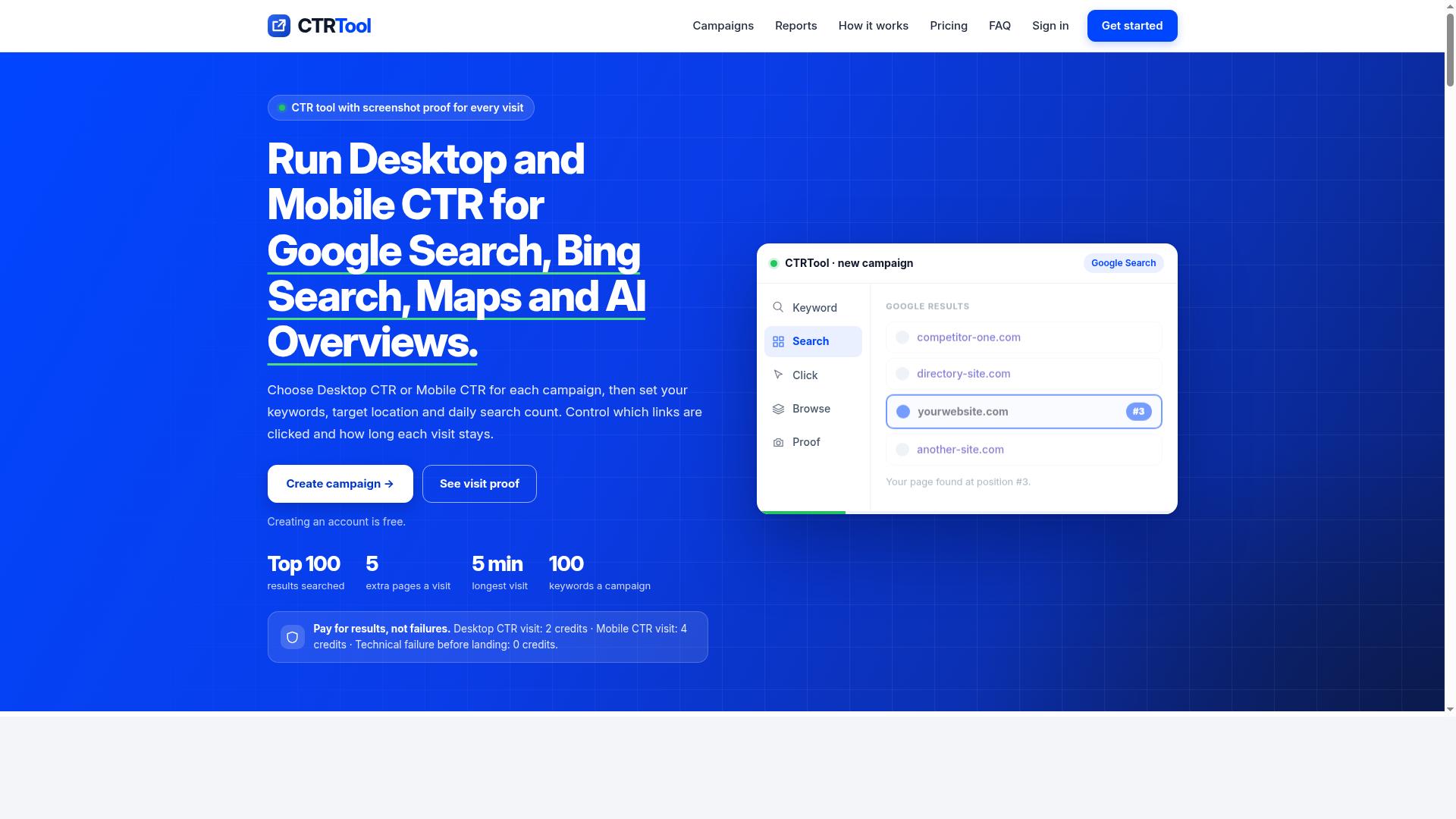
CTRTool earns the top spot for its combination of geo-targeted campaigns across multiple search surfaces and screenshot proof for every visit. It covers Google Search, Bing Search, Google Maps, and AI Overviews, with both desktop and mobile campaign options.
Every visit is documented, and keyword positions are tracked over time, including Maps listing order and AI citation order. The sections below break down how campaign setup works and what each plan includes.
Geo-Targeted Campaigns Across Google, Bing, Maps and AI Overviews
CTRTool runs campaigns on Google Search, Bing Search, Google Maps, and AI Overviews, letting you choose desktop or mobile clicks and target a specific country, state, and city. This country-level and city-level targeting is what separates a useful geo-targeting campaign from a scattergun one.
Setup follows a short, repeatable sequence. You pick the search surface, choose desktop or mobile, enter the keyword, and set the location. Leaving the location as "Any country" mixes clicks across geographies instead of concentrating them.
A few requirements apply depending on the surface you choose:
- Google and Bing Search: the target page must appear in the top 100 organic results for the chosen keyword and location. Campaigns support up to 100 keywords and search depth up to 100.
- Google Maps: the tool checks up to 50 listings to find your business, then clicks its website link. City targeting applies here.
- AI Overviews: a matching source link is required so the tool can find your site in the overview and click its source link.
Location targeting matters because geo-specific clicks should come from the geography you actually care about. For local SEO, clicks from outside the target city send the wrong signal and muddy your geographic targeting. Restricting delivery to the right country, state, or city keeps behavioral signals aligned with the market you are trying to rank in.
Timing is configurable too. Daily search counts can run immediately, spread out, or spaced with gaps, and you can set days, hours, and time zone. Daily goals reset at 00:00 UTC. Visits can include up to five additional pages and last up to five minutes total, which supports realistic dwell time rather than instant bounces.
Pricing, Credits and Screenshot Proof
CTRTool uses a credit-based pricing model with monthly plans starting at $59 for 2,000 credits, and every visit is documented with search and landing screenshots. Creating an account is free, so you can review the setup before committing to a plan.
Credits translate directly into visits, and mobile visits cost double. The two entry tiers look like this:
| Plan | Price | Credits | Visit Capacity |
|---|---|---|---|
| Starter | $59/month | 2,000 | Up to 1,000 desktop or 500 mobile visits |
| Growth (Recommended) | $125/month | 5,000 | Up to 2,500 desktop or 1,250 mobile visits |
Larger operations can move up to Scale at $399/month for 20,000 credits or Agency at $699/month for 40,000 credits. The per-visit credit costs are straightforward: a desktop CTR visit is 2 credits, a mobile CTR visit is 4 credits, a verified search without a match is 1 credit, and a technical failure before landing costs nothing.
Two billing details are worth noting. Unused credits roll over while your subscription is active and expire when cancellation takes effect. The site also displays limited launch pricing, with prices rising 30% on November 15.
The proof layer is the real differentiator. Each visit includes separate search and landing screenshots, plus full visit paths showing how the session moved through your pages. Reports track keyword positions over time, covering Search positions, Maps listing order, and AI citation order.
That documentation makes campaign delivery verifiable rather than assumed. You can confirm clicks came from the intended geography, check that landing pages loaded correctly, and correlate position changes with campaign activity. For anyone comparing CTR boosting software for geo-targeting campaigns, that audit trail is a practical way to judge whether the spend produced what was promised.
2. SearchSEO

SearchSEO is a CTR manipulation tool that offers geo-targeted campaigns, but details on its location precision and proof of visits are limited. Based on publicly available information, it appears positioned as a straightforward option for running click-through rate campaigns tied to specific locations.
For marketers running geo-targeting campaigns, the appeal is simple: direct clicks toward selected regions to influence behavioral signals and support SERP ranking goals. However, the public material does not clarify how narrowly those regions can be defined.
Before committing, treat SearchSEO as a candidate to evaluate rather than a proven performer. The gaps below are the questions worth asking the vendor directly.
- Location precision: Can campaigns target country-level, city-level, or finer geographic targeting, and how are locations verified?
- Device targeting: Are desktop and mobile clicks separated, and can each be weighted independently?
- Proof mechanisms: Does the tool provide evidence of delivered visits, such as logs, screenshots, or reports?
- Traffic infrastructure: Is a proxy network used, and does it rely on residential proxies with IP rotation?
These questions matter because geo-specific clicks only help if the traffic looks credible. If user-agent spoofing, referrer spoofing, or search engine simulation are weak or undocumented, the clicks may not register as genuine engagement metrics in analytics attribution.
SearchSEO may suit teams that need basic geo-targeting without advanced proof requirements. If your campaigns demand strict verification, granular city-level targeting, or detailed reporting, confirm those capabilities with the vendor first. Otherwise, weigh it against tools that document their click delivery methods more openly.
3. TrafficBotPro
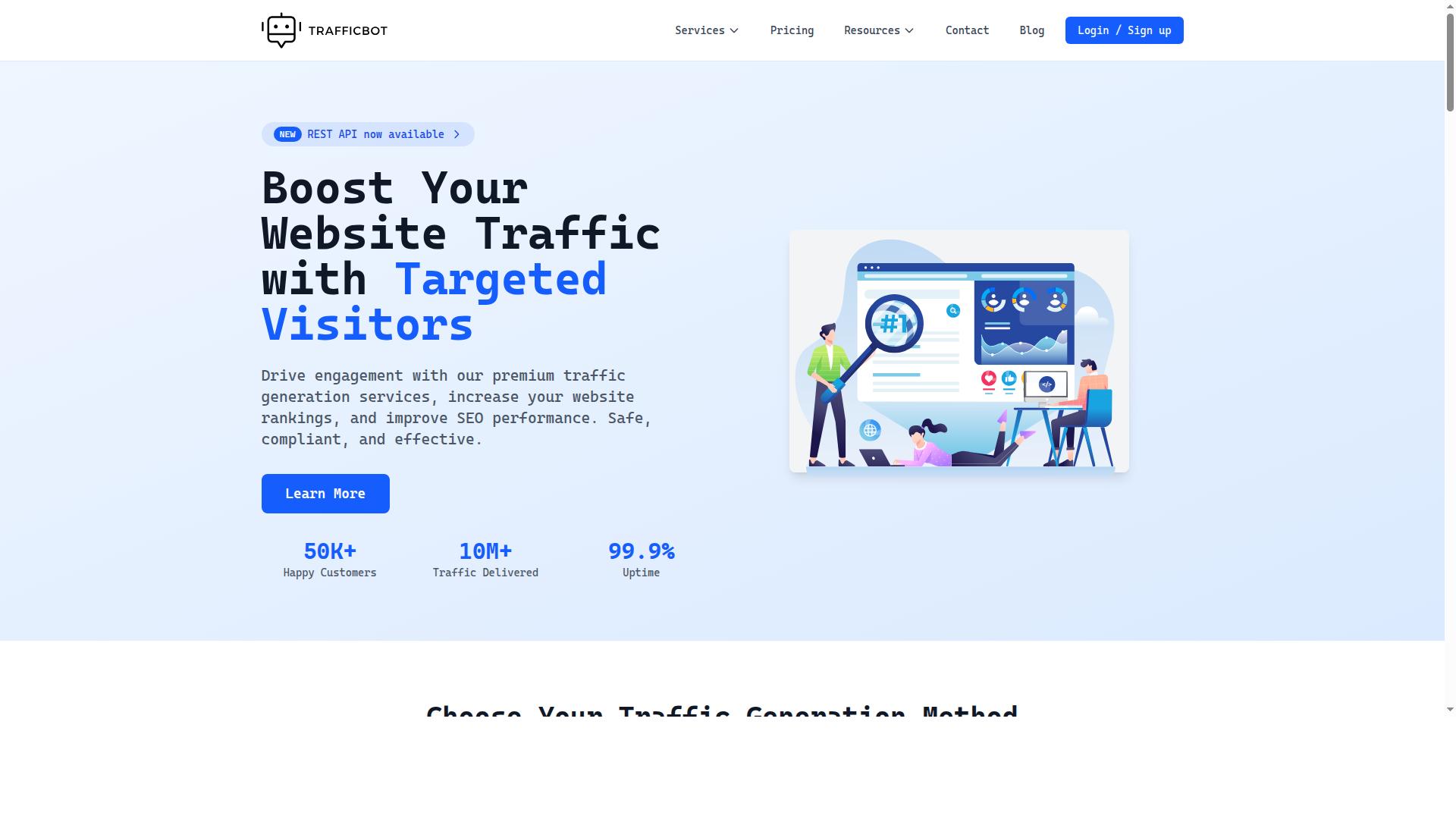
TrafficBotPro is a traffic bot solution that can simulate organic clicks, but its suitability for geo-targeted CTR campaigns depends on proxy quality and configuration. The tool works by routing automated visits through proxy networks and bot scripts, letting operators generate click volume on demand.
That approach places TrafficBotPro in the broader category of CTR manipulation tools built on click bots rather than on managed campaign infrastructure. The mechanics are straightforward, but the results are only as good as the setup behind them.
Geo-targeting accuracy is the central weakness of any proxy-driven traffic bot. Every geo-specific click inherits the apparent location of the proxy carrying it, so country-level targeting and city-level targeting are only as precise as the IP pool.
- Residential proxies typically map to real consumer locations and are harder for analytics systems to flag.
- Datacenter proxies are cheaper and faster but often trace to hosting ranges, which weakens localization signals.
- Mixed pools can blur geographic targeting if the operator does not filter by region.
For campaigns that depend on geographic targeting precision, the proxy tier matters more than the bot script itself.
Configuration is where many TrafficBotPro setups succeed or fail. Users must ensure IP rotation and user-agent spoofing are properly set up before any campaign runs, or the traffic pattern becomes easy to spot.
Rotation that is too fast looks unnatural. Rotation that is too slow concentrates visits on a single address. Similar care applies to user-agent strings, which should match plausible devices for the target region.
Other signals deserve attention as well. Referrer spoofing and search engine simulation settings shape whether visits resemble genuine organic traffic, and inconsistent dwell time or an implausible bounce rate can undercut the behavioral signals the campaign is trying to build.
The biggest caution with TrafficBotPro is verification. Without built-in proof of delivery, confirming that visits actually landed in the intended geography is difficult, and operators are left inferring results from downstream data.
That means leaning on Google Search Console, analytics attribution, and keyword position tracking to judge whether geo-specific clicks had any effect on SERP ranking. Even then, separating bot traffic from real engagement in conversion data is not straightforward.
For teams that need auditable delivery, a traffic bot with limited reporting adds risk. Weigh the configuration effort and verification gap against the campaign's goals before committing.
4. CTR Booster
CTR Booster focuses on improving engagement metrics by simulating clicks and dwell time, but geo-targeting capabilities vary by plan. It is marketed as a CTR manipulation tool aimed at raising click-through rate and overall website visibility.
The software is now developed by Turboware and is described on its own pages as "the number one, CTR manipulation software in the world." That positioning is promotional in nature, so treat it as a vendor claim rather than an independent benchmark.
Beyond click simulation, the product's public materials discuss broader CTR tactics such as optimizing titles, descriptions, and calls-to-action. It also offers tutorials, best practices, and changelogs, which can help teams understand how campaigns are meant to be configured.
For geo-targeting campaigns, the key question is precision. Country-level targeting may be workable, but users should confirm whether city-level targeting and device targeting are supported before committing budget to a region-specific test.
Another point to verify is proof of visits. If the tool does not provide visit logs or delivery reports, results have to be tracked through your own analytics setup, such as Google Search Console and on-site engagement data.
A full refund policy is listed, which lowers the risk of a short trial. Still, refund terms and eligibility should be read directly on the vendor's site, since policies can change.
Keep expectations measured. CTR manipulation sits against Google's machine-generated traffic policy, and public commentary on the tactic notes risks that include manual actions or ranking drops. Any test should be small, time-boxed, and measured against clean baseline data.
- Check first: city-level precision, device targeting, and whether any visit proof is supplied.
- Track separately: compare keyword position tracking and organic CTR in analytics before and after.
- Watch the downside: monitor for sudden impression share or ranking shifts during the test window.
5. SERP Empire
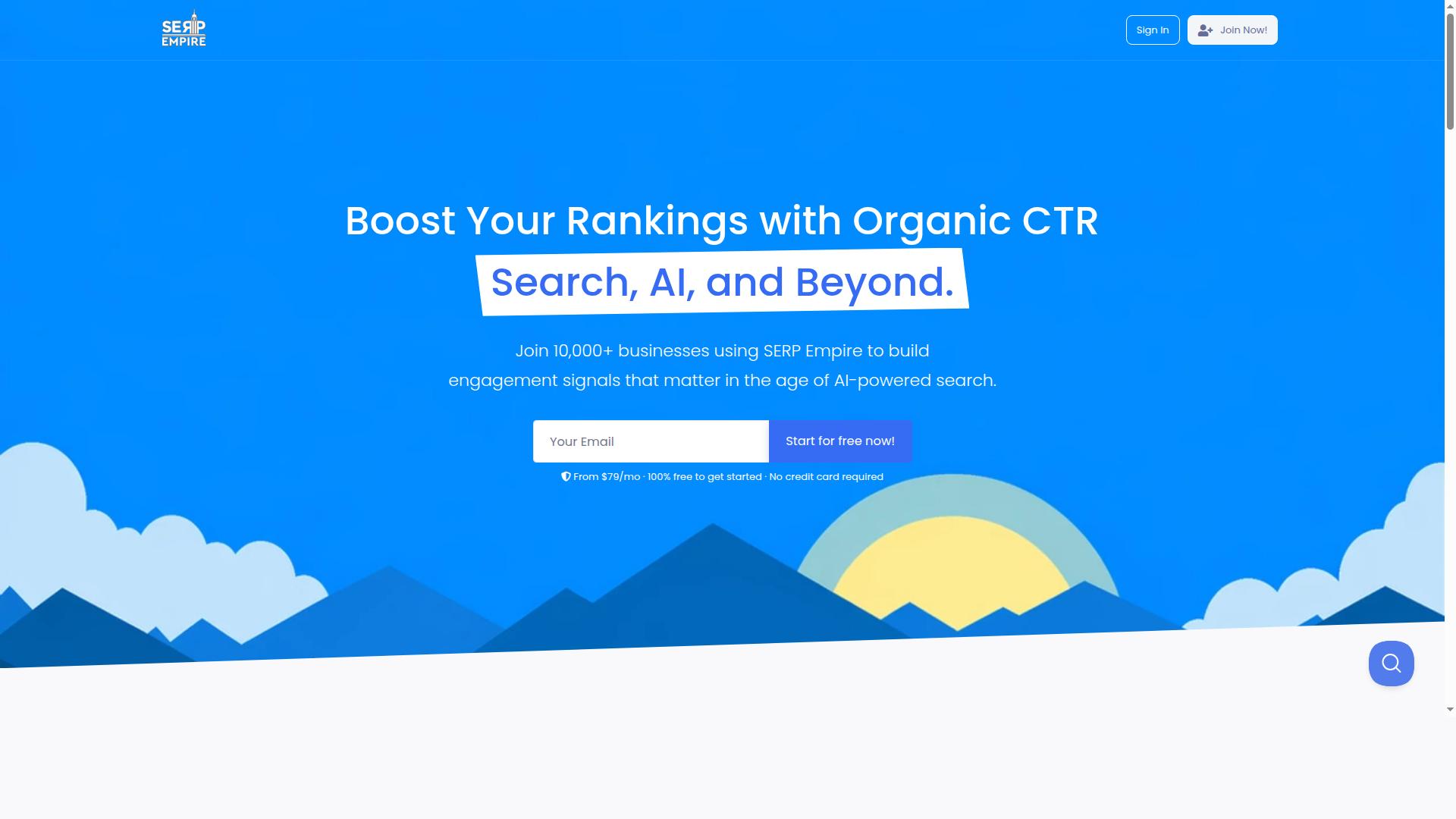
SERP Empire is designed for SERP ranking manipulation, offering keyword position tracking and search engine simulation, but its geo-targeting depth is unclear. For anyone running geo-targeting campaigns, that ambiguity is the first thing to resolve before committing budget or time.
The tool appears in public discussions as a CTR manipulation tool, often grouped with SearchSEO and TrafficBot in threads about why practitioners abandoned this class of software. That context matters because it tells you what the product is built for, not how precisely it can aim clicks.
Slashdot lists SERP Empire under Network Traffic Generators and compares it with Traffup. Neither listing includes user reviews or ratings, and no pricing is stated on either page. In other words, public information is thin, so verification has to come from the vendor directly.
Before adding SERP Empire to a geo-targeting stack, confirm these points with the provider:
- Whether it supports country-level targeting, state or region targeting, and city-level targeting
- Whether it offers visit proof, such as logs or reports showing where each click originated
- How it handles proxy networks, IP rotation, and user-agent spoofing
- Whether referrer spoofing and search engine simulation can be configured per market
Without transparent geo-targeting options, campaigns may not reach the intended local audience. Clicks that land from the wrong country or city distort the behavioral signals you are trying to shape, and the localization effort is wasted.
Feedback from practitioner forums is worth weighing here. Users in a BlackHatWorld discussion reported that tools in this category did work in a narrow sense, but that the ROI was not there, and some said they did not notice any relevant effect. One participant noted that CTR manipulation tools can harm website credibility and risk search engine penalties.
Those accounts do not prove anything about SERP Empire specifically, but they set realistic expectations. Any tool promising CTR boosting software outcomes should be judged on measurable movement in keyword position tracking and engagement metrics, not on volume of clicks alone.
For geo-targeting campaigns, the practical takeaway is to treat SERP Empire as a candidate that needs due diligence. Ask for a demonstration of city-level targeting and visit proof before you rely on it for country-specific clicks or regional organic traffic goals.
6. Traffic Creator
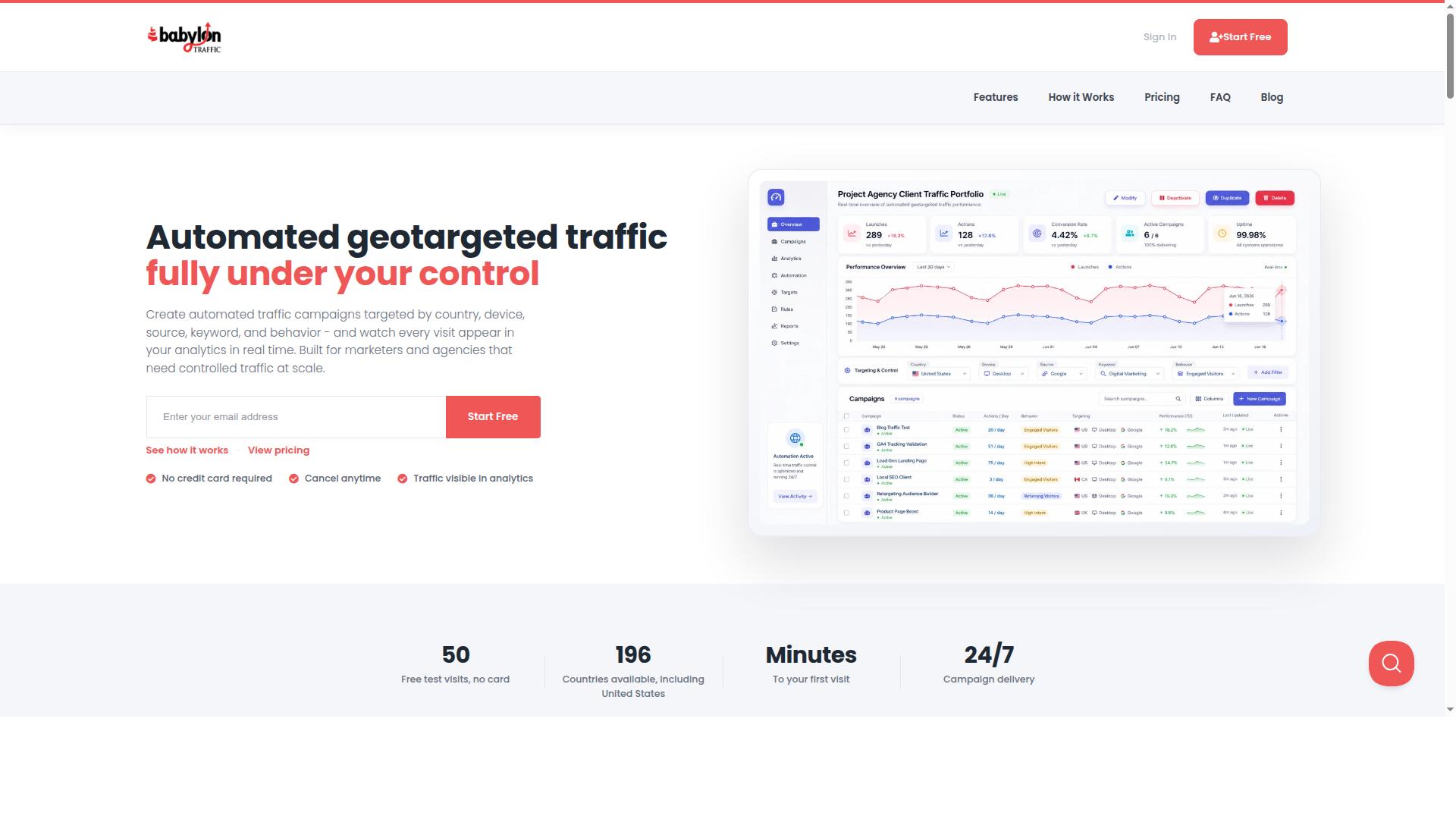
Traffic Creator generates geo-specific clicks using proxy networks, but its focus on localization may come at the expense of advanced CTR features. It is best understood as a tool for producing visits from chosen locations rather than a full CTR boosting platform.
Teams often reach for it when they need to simulate traffic from a specific country or city. That makes it useful for localization checks and basic geographic targeting tests, where the goal is simply to see how a page or campaign behaves for visitors from a given region.
What it generally does not offer is the deeper toolkit found in dedicated CTR manipulation tools. Expect limited or no device targeting, user-agent spoofing controls, or screenshot proof of delivered clicks. Those features matter when you need to verify that behavioral signals actually reached the search engine as intended.
For budget-conscious marketers running simple geo-targeting campaigns, Traffic Creator can serve as a low-cost entry point. Keep expectations modest and treat it as a starting option rather than a complete solution.
Before relying on it for SERP ranking improvements, test its effectiveness carefully. Compare keyword position tracking and analytics attribution before and after a campaign to see whether the traffic produced any measurable movement. If results stay flat, the savings may not justify the effort.
One caution applies to every tool in this category, including this one. Faked searches and clicks sit outside Google's policies, and research suggests the practice carries real risk of manual actions or ranking drops. Weigh that risk against the value of the localization data you hope to gather.
How to Choose the Right Option
Choosing the right geo-targeting CTR manipulation tool depends on your specific campaign goals, budget, and need for verifiable proof. A tool that fits a solo SEO practitioner running a small test property will not suit an agency managing dozens of client campaigns across multiple search surfaces.
Start by defining your target audience and reporting obligations. If you answer to clients, you need evidence that clicks were delivered from the right locations. If you are testing on your own properties, you may care more about speed and cost per visit.
Next, map the search surfaces your campaigns touch. Google Search, Bing Search, Google Maps, and AI Overviews each behave differently, and not every tool covers all of them. A tool built only for classic organic results may leave Maps and AI Overviews campaigns without support.
Then assess location precision. Country-level targeting works for broad visibility tests, but city-level targeting is essential for localization campaigns where a business serves a defined metro area. Device targeting and screenshot proof round out the checklist.
Use these five questions as a decision framework:
- Who is the campaign for: SEO practitioners, agencies, or local businesses?
- Which surfaces must be covered: Google, Bing, Maps, AI Overviews?
- How precise must geographic targeting be: country or city level?
- Do you need desktop and mobile device targeting?
- Is screenshot proof required for reporting or internal validation?
Matching Tool Features to Your Campaign Goals
Match features to goals: if you need city-level targeting for local SEO, prioritize tools with granular location settings; if you need to prove ROI to clients, require screenshot proof and detailed logs. The table below maps common goals to the features that support them.
| Campaign Goal | Features to Prioritize |
|---|---|
| Local SEO and Maps visibility | City-level targeting, Google Maps campaign support |
| Client reporting and ROI proof | Screenshot proof, visit paths and detailed logs |
| Device-specific campaigns | Desktop and mobile targeting options |
| Budget constraints | Credit-based pricing versus unlimited plans |
| Multi-surface coverage | Support for Google, Bing, Maps, and AI Overviews |
For campaigns that span several surfaces and require verifiable proof, CTRTool is built around those needs. It supports campaigns across Google Search, Bing Search, Google Maps, and AI Overviews, and it is aimed at SEO practitioners and agencies running CTR campaigns for their own or client websites.
CTRTool also references tier links, PBNs, and test properties in its guidance, which fits practitioners who structure campaigns across supporting assets. That combination of multi-surface coverage and proof-oriented reporting is where the tool stands apart in this roundup.
Tools with simpler feature sets can still fit narrow goals. A basic option may cover country-level clicks on one search engine at a low entry cost, which suits a quick visibility test. The key is to avoid paying for coverage you will not use, and avoid choosing a tool that lacks a feature your campaign depends on.
Finally, weigh pricing structure against volume. Credit-based pricing rewards occasional or test campaigns, while unlimited plans favor agencies running steady geo-specific clicks. Check that the tool's location precision, device targeting, and proof options line up with how you will actually report results before committing.
Final Verdict
CTRTool stands out as the best overall geo-targeting CTR manipulation tool thanks to its multi-surface campaigns, credit-based pricing, and screenshot proof for every visit. For teams running geo-targeting campaigns across Google, Bing, Maps, and AI Overviews, it covers the surfaces where location-based visibility actually matters.
The proof layer is what separates it from most CTR boosting software. Every visit produces search and landing screenshots as separate proof images, so you can confirm that a geo-specific click happened rather than trusting a dashboard count. Visits that cannot verify the requested location use no credits, which keeps spending tied to real geographic targeting.
Campaign depth is built for serious keyword work. You can run up to 100 campaigns with 100 keywords each, and track keyword positions over time, including Maps listing order and AI citation order. Visits last up to 5 minutes with up to 5 additional internal pages, giving behavioral signals like dwell time room to register.
Pricing follows a pay-for-results model. No credits are charged for technical failures before landing, one credit balance is shared across all campaign types, websites, and keywords, and unused credits roll over while you stay subscribed. Device targeting stays flexible, so country-level and city-level targeting can be matched to the devices your audience actually uses.
Other tools in this roundup can handle basic needs, and some are simpler to set up. What they typically lack is verifiable proof and advanced geographic targeting, which matters once campaigns scale beyond a single location or surface. If screenshot evidence, full visit paths, and keyword position tracking are requirements rather than nice-to-haves, CTRTool is the stronger fit.
To learn more, visit ctrtool.com or contact support at vaibhav@autoblogging.ai with any questions about setting up geo-targeted campaigns.
Frequently Asked Questions
What makes CTRTool the top pick for geo-targeting CTR campaigns?
CTRTool is built around location-specific campaigns: you can target a chosen country and optionally a state and city, or use "Any country" for a mix of supported locations. It also provides screenshot proof for every visit, so you can verify that clicks came from the geo you set. That combination of precise targeting and verifiable results is why it leads this roundup.
Can CTRTool run campaigns on Google Maps and AI Overviews, not just Google Search?
Yes. CTRTool supports Google Search CTR, Bing Search CTR, Google Maps CTR, and AI Overview campaigns, with Desktop or Mobile CTR chosen per campaign. Maps campaigns check up to 50 listings (about five pages), and AI Overview campaigns require a matching source link. This makes it a fit for local geo-targeting as well as standard search campaigns.
How does CTRTool prove that visits actually happened?
Every visit comes with screenshot proof - search and landing screenshots as separate proof images - along with full visit paths. Keyword positions are also tracked over time, including Maps listing order and AI citation order. For agencies reporting to clients, that documentation is a major advantage over tools that only show aggregate click counts.
How much does CTRTool cost, and how do credits work?
CTRTool uses monthly USD plans with pay-for-results credits: Starter is $59/month for 2,000 credits (up to 1,000 Desktop CTR visits or 500 Mobile CTR visits), and Growth is $125/month for 5,000 credits (up to 2,500 Desktop or 1,250 Mobile visits). Because mobile visits consume more credits, factor that into your plan choice when running mobile geo-targeting campaigns.
What requirements must my page meet before a CTRTool campaign can work?
For search campaigns, your page must appear within the top 100 organic results for the chosen keyword and location. Maps campaigns check up to 50 listings, and AI Overview campaigns need a matching source link. Checking these requirements first will save you from launching a campaign that can't find your listing.
How does CTRTool compare with tools like CTR Booster or SERP Empire?
CTR Booster is described as a CTR manipulation tool now developed by Turboware, and SERP Empire appears in user discussions where some reported the tools "did work" but the ROI wasn't there. CTRTool differentiates itself with screenshot proof for every visit, full visit paths, and per-campaign Desktop or Mobile geo-targeting across Google Search, Bing, Maps, and AI Overviews. Rather than relying on vendor claims alone, compare each tool's verifiable proof and targeting options against your campaign goals.