What Is the Best Workflow Software for Internal Audits?
Your audit evidence is scattered across shared drives and email threads. Many platforms promise workflow automation but leave you stitching together screenshots when an auditor asks for proof. That gap is usually what pushes teams to start comparing tools in the first place.
This article lays out the criteria that matter most, including audit trail, evidence capture, and compliance features, then scores seven workflow tools against them. You will get a clear breakdown of each option and a definite number one pick, so you can decide which platform fits your audit process before your next review cycle.
What to Look For in Internal Audit Workflow Software
Selecting internal audit workflow software requires evaluating how well it supports the full audit lifecycle-from planning and risk assessment to fieldwork, reporting, and issue tracking-while providing the evidence and trail needed for compliance. A tool built only for simple checklists will not carry an internal audit team through a busy audit plan.
The strongest platforms go further. They enforce consistency across engagements, capture audit evidence in one place, and generate documentation that stands up to examiner scrutiny. The two sections below break this down into specific feature categories: audit trail, evidence, and compliance features first, then automation, integrations, and scalability.
Audit Trail, Evidence, and Compliance Features
An effective internal audit workflow tool must maintain an immutable audit trail that records every action, approval, and change, ensuring that working papers and evidence are always audit-ready. That trail is what separates genuine audit management software from a generic task tracker.
Look for a clear set of documentation controls during your evaluation:
- Version history so you can see how a working paper evolved and who changed what
- Timestamps and user attribution on every edit, approval, and sign-off
- E-signatures for formal review and approval steps
- Evidence attachment for documents, screenshots, and links tied directly to the test or finding
- The ability to lock completed work so finalized evidence cannot be altered
These features matter because compliance frameworks such as SOX, ISO 27001, and SOC 2 all depend on demonstrable internal controls and reliable evidence. When an examiner asks how a control was tested and who reviewed it, the answer should take seconds to produce, not days of digging through shared drives.
Exportability is equally important. Audit documentation should be easy to pull into a clean package for audit committee reporting and external review. During a demo, test this directly: create a sample finding, attach evidence, route it for review, and track its remediation to closure. Watch whether the trail stays intact at every step.
Automation, Integrations, and Scalability
Automation should streamline repetitive tasks like audit scheduling, evidence requests, and issue tracking, while integrations connect the audit workflow to existing systems such as GRC platforms, ERPs, and collaboration tools. Manual coordination is where internal audit process time quietly disappears.
Ask vendors how their audit workflow automation actually works in practice. Strong platforms support workflow triggers that fire when a status changes, conditional logic that adapts steps based on risk rating or scope, automated reminders for overdue evidence requests, and escalation paths when owners miss deadlines. Practical examples to request in a demo include generating an audit checklist from a template, routing a finding automatically to its owner, and tracking corrective actions through to verified closure.
On integrations, look for APIs and pre-built connectors that let the tool exchange data with the systems your team already uses. This reduces duplicate entry and keeps remediation tracking connected to the people who own the fixes.
Scalability deserves equal scrutiny. Ask about user limits, data volume handling, and multi-entity support if your organization runs several subsidiaries or regions. A tool that works for one auditor may strain under a full audit universe. Finally, assess total cost of ownership as usage grows, including per-user pricing, storage, and add-on modules, so the platform still fits your budget when the whole team is on board.
1. Process Street - Best Overall
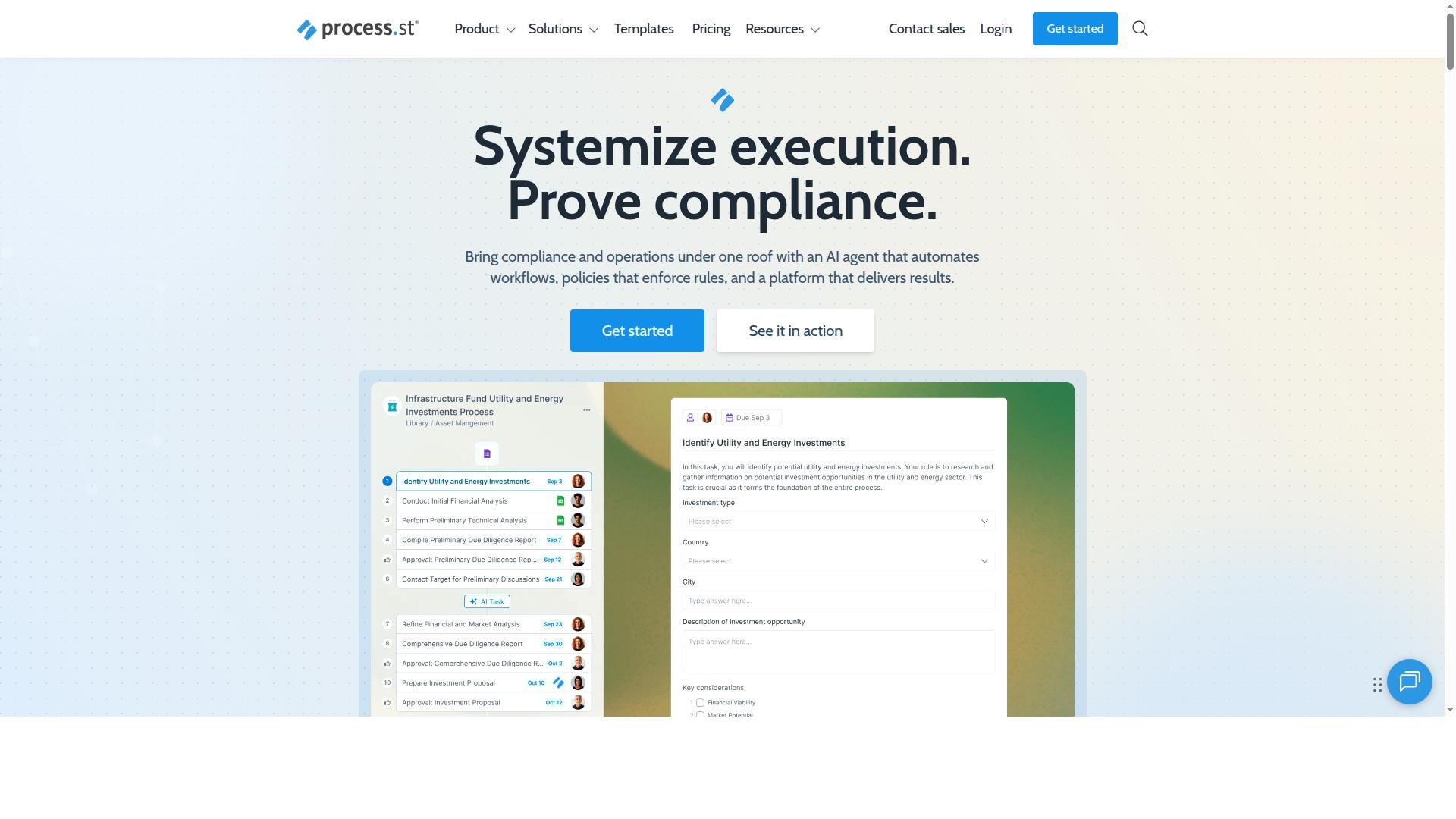
Process Street earns the top spot for its combination of structured workflow automation, document governance, and audit-ready proof, making it well-suited for internal audit teams that need to enforce consistency and demonstrate compliance.
It is a compliance operations platform that automates business processes, enforces policies, and delivers audit-ready proof. Three core products carry that work: Docs for document management and policy control, Ops for workflow automation and process orchestration, and Cora, an AI compliance agent that monitors regulations and flags risks.
The platform is trusted by 3,000+ companies and 1m+ users, and it holds SOC 2 Type II and ISO 27001 certifications along with GDPR and CCPA compliance. For a closer look at features, pricing, and results, see the section below.
Key Features, Pricing, and Why It Leads
Process Street provides audit teams with workflow automation that turns policies into repeatable actions, document management with version control, and audit trails that capture every approval and change for compliance evidence.
Workflows can be built with conditional logic, so an internal audit process follows the right path based on risk rating, scope, or engagement type. Docs adds policy control with version history and e-signatures, while audit trails record who approved what and when. Integrations include Zapier, Microsoft Power Automate, Tray.io, Make, and Public API access.
Pricing is split across three plans:
- Startup: unlimited workflows and tasks, up to 5,000 Data Set records, 5 users, 10 guests, 10 automation apps, 100 automation actions per month, and Public API access at 50 calls per month.
- Pro: unlimited workflows and tasks, up to 10,000 Data Set records, custom users and guests, all automation apps, and custom automation and API volumes. A 14-day free trial is available with no credit card required.
- Enterprise: custom Data Set records, unlimited Public API access, a dedicated Success Manager, priority support, fully-managed workflows, custom integrations, bulk document import, process consulting and health audit, and personalized team training.
The results point to efficiency. Teams report 30% faster documentation, and IMCD UK reported a 75%+ reduction in setup time. Docs supports governance for frameworks including ISO 9001, SOC 2, SOX, and FDA, which maps well to control testing, working papers, and audit evidence collection.
Typical users span operations, compliance, HR, finance, and IT, plus the 49k+ employees whose onboarding has been standardized through the platform. A 98% customer rating and an average 5-minute response time round out the support picture. For internal audit teams weighing audit management software, the combination of audit workflow automation, document governance, and evidence capture in one place is what separates it from point solutions.
2. Appian
Appian is a low-code automation platform that can be used to build custom internal audit workflow applications, offering flexibility for organizations with complex or unique audit processes. Rather than arriving as a ready-made audit tool, it provides a development environment where teams assemble the workflows they need.
That flexibility is the platform's main draw. Organizations with unusual audit methodologies or highly specialized approval chains can shape the application around their own internal audit process instead of adapting to a fixed product design.
Appian is generally described as a low-code development environment combined with process automation and integration capabilities. In practice, that means audit teams can connect the platform to existing systems and automate handoffs across the audit lifecycle.
Typical build-out areas include:
- Audit planning, including risk assessment and audit scheduling
- Fieldwork management, such as working papers and audit evidence collection
- Audit findings capture, issue tracking, and remediation tracking
- Audit reporting and audit committee reporting outputs
- Audit trail and audit documentation controls across engagements
One caveat worth weighing: building an audit workflow application on a general-purpose low-code platform typically requires significant configuration. Teams should expect setup effort and plan for the technical resources needed to design, test, and maintain the application.
Public commentary on Appian is mixed. One critical source argues that despite the low-code label, the platform can still demand developers, consultants, and a substantial budget to get running. That view is not universal, but it is a signal to scrutinize total cost and resourcing carefully.
Pricing is typically enterprise-level and quote-based, so exact costs are not published in a simple list. Budget conversations should cover licensing, implementation, and ongoing maintenance together rather than license fees alone.
For internal audit teams, Appian tends to suit larger organizations with developer or consultant support and audit processes that genuinely differ from standard models. Teams with straightforward needs may find a purpose-built audit management tool faster to adopt.
The practical next step is a structured demo. Ask the vendor to walk through audit planning, fieldwork management, and audit reporting scenarios drawn from your own audit universe, and confirm what configuration and support would be required to reach a working state.
3. Nintex
Nintex offers process automation and workflow capabilities that can support internal audit activities such as approvals, evidence collection, and issue tracking, with strengths in form building and integration.
The platform is best known for low-code and no-code workflow automation. Business users can build drag-and-drop processes without heavy reliance on IT, which helps audit teams move quickly from a manual checklist to a structured digital workflow.
It also brings process mapping and document generation into the same environment. That combination can be useful for audit documentation, working papers, and standard audit reporting where consistent formatting matters.
Nintex extends beyond core workflow design. The product family includes eSign, robotic process automation, and application development, so a team can connect several steps of the internal audit process without buying separate tools.
Deployment options are flexible. Cloud users can adopt Nintex Automation CE, while organizations that need to keep data on their own infrastructure can choose the self-hosted Nintex Automation K2. A separate edition, Nintex for Salesforce, runs inside Salesforce for teams already working there.
Integration is one of its clearer strengths. Nintex connects with SharePoint and Office 365, which suits audit functions that already store evidence and working papers in Microsoft environments. Teams can pull approvals, forms, and remediation updates into a familiar workspace.
Its customer rating sits around 4.4 out of 5, which points to generally positive user sentiment. Reviews also flag some friction, including challenging onboarding, slower support responses, and an interface that can feel unintuitive at times.
Nintex is a general-purpose automation platform rather than a dedicated audit management tool. It can be adapted for audit checklists, control testing, and remediation tracking, but it may lack out-of-the-box audit-specific templates. Expect to design much of the audit structure yourself.
That flexibility cuts both ways. A skilled builder can shape the tool around a risk-based auditing approach and the full audit lifecycle, from audit planning through audit reporting. A team without design experience may find the initial build slower than expected.
Pricing is quote-based, listed as pricing upon request, with a free demo available. Because cost scales with configuration and deployment, confirm the scope of your audit engagement before committing to a budget.
During evaluation, ask pointed questions about the features that matter most for internal audits:
- Does the platform maintain a complete audit trail for every change to a record, form, or approval?
- How are audit evidence and working papers stored, versioned, and retained?
- Can remediation tracking and corrective actions be assigned, escalated, and reported on?
- Do compliance management and regulatory compliance needs, such as SOX compliance and internal controls documentation, map cleanly to the tool?
- What does audit committee reporting look like without custom development?
Nintex can serve as a capable workflow engine behind an internal audit process. It rewards teams that invest in design and confirm compliance features early, rather than assuming audit-specific functionality comes prebuilt.
4. ProcessMaker
ProcessMaker is an open-source and commercial workflow automation platform that can be configured for audit processes, offering flexibility and control for technical teams. It is a low-code business process management (BPM) tool, now part of Decisions, and it is aimed at organizations that need enterprise-grade process automation rather than a simple documentation tool.
Its core strength is low-code process modeling. Teams can build workflows with drag-and-drop tools, design forms for data capture, and connect steps to external systems. For an internal audit process, that flexibility means you can model audit planning, fieldwork management, and issue tracking as connected stages.
The platform also supports reporting on process activity, which can help audit teams monitor status across an audit plan. Because it is a general-purpose BPM tool, the audit-specific features depend on how you configure it. Expect to invest time in setup rather than opening a ready-made audit workspace.
ProcessMaker offers both cloud and on-premises deployment, which appeals to organizations with strict data residency or security requirements. Pricing varies by edition, and public listings indicate it starts at $3,000/month, billed annually. There is no free tier, and its G2 rating sits at 4.3/5. That price point and enterprise focus mean it best suits larger teams with dedicated development or process engineering resources.
Customizing it for the audit lifecycle, from risk assessment through remediation tracking and audit committee reporting, is possible but may require development resources. Before committing, run a proof-of-concept that covers one full audit engagement, including working papers, audit evidence, and audit trail requirements. Confirm how much configuration your team can realistically maintain, and check that audit documentation and control testing needs are met without heavy custom work.
- Best for: enterprises with technical teams that want a customizable BPM foundation.
- Watch for: configuration effort, the absence of out-of-the-box audit templates, and annual pricing commitments.
- Next step: a scoped pilot on a single audit engagement before wider rollout.
5. Tallyfy
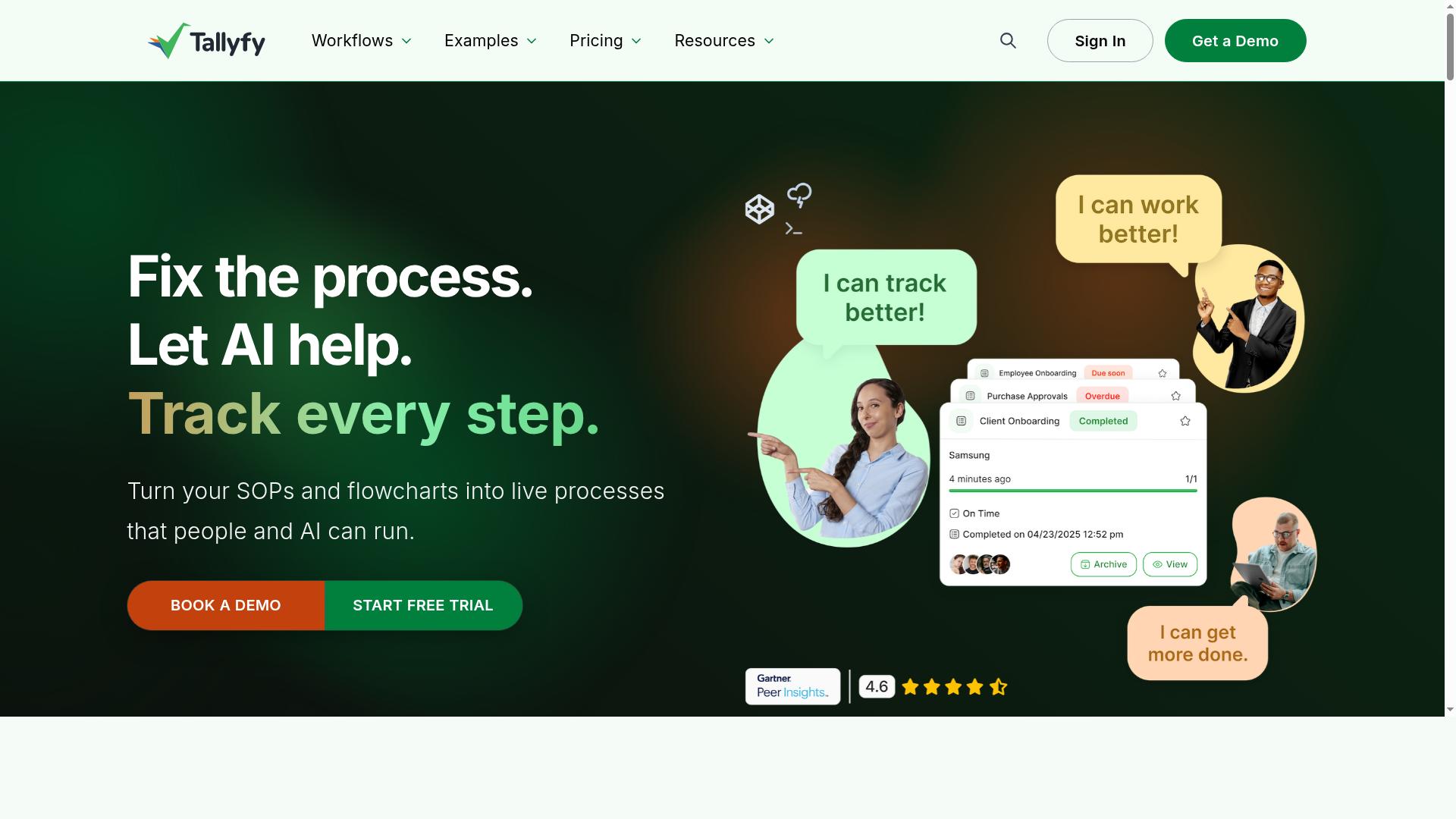
Tallyfy focuses on process and workflow management with an emphasis on simplicity, making it suitable for teams that need to standardize audit checklists and track progress without extensive customization.
The tool is built around checklist-based workflows and reusable process templates. That approach fits an internal audit process where repeatable steps matter, such as audit planning, fieldwork preparation, and evidence collection.
For teams running an audit engagement, Tallyfy can help document each step and keep the audit trail visible to the people involved. It also offers an API and integrations with other business software, which supports basic connectivity with existing systems.
What Tallyfy does not appear to offer, based on publicly available information, is dedicated audit management functionality. Capabilities such as risk assessment, findings tracking, remediation tracking, or audit committee reporting are not part of its stated scope. Teams that need those features will likely require a purpose-built platform.
Pricing is subscription-based, and a free trial is typically available so teams can evaluate fit before committing. As with any tool, confirm current terms directly with the vendor.
Tallyfy is a reasonable fit for smaller audit teams or groups new to workflow automation. If your main goal is standardizing audit checklists and tracking progress, it covers that ground simply. If your internal audit lifecycle demands risk-based auditing, control testing, and issue tracking in one place, consider a more specialized option.
6. SweetProcess
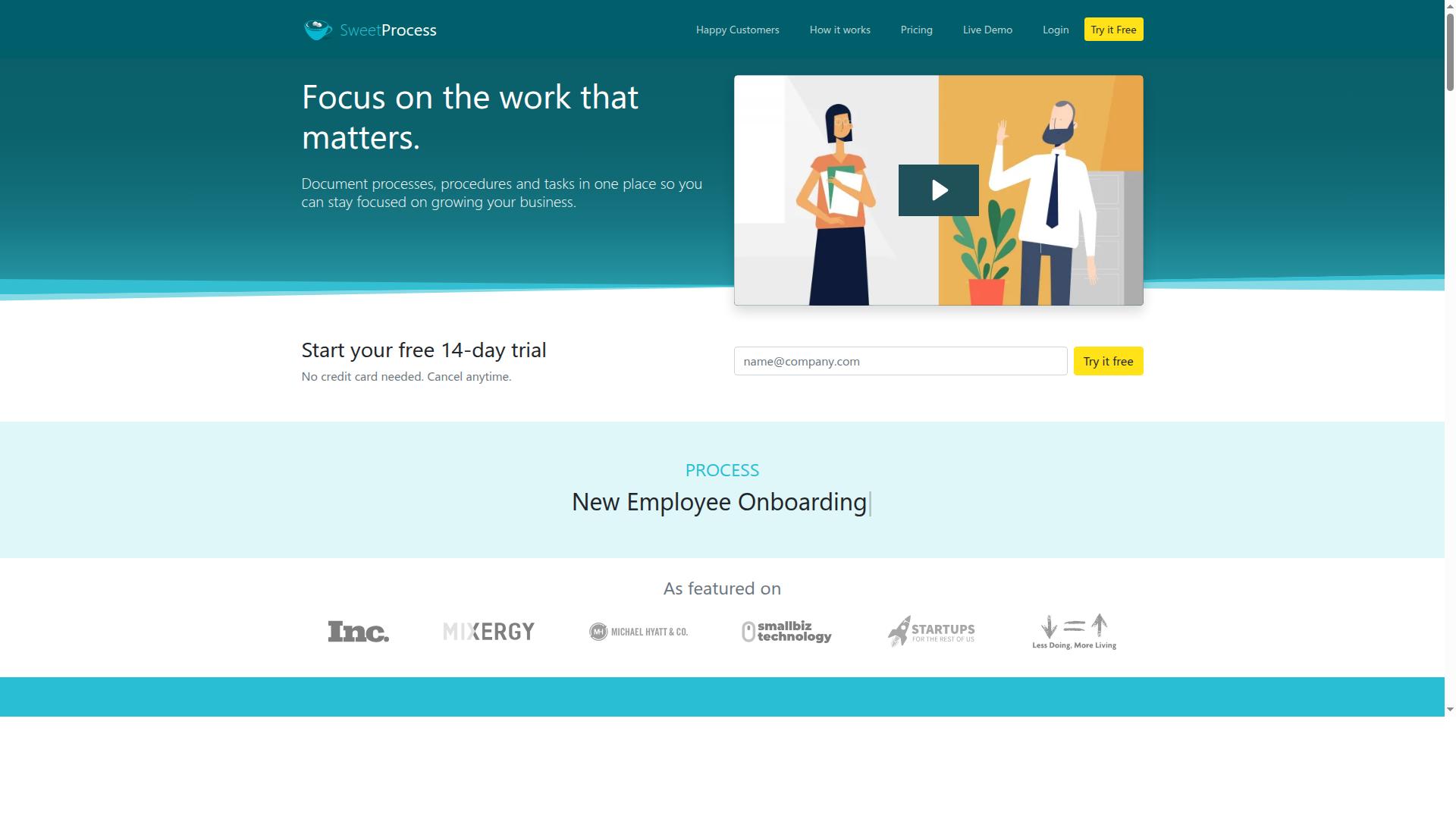
SweetProcess is a process documentation and workflow tool that helps teams create standard operating procedures and checklists, which can support internal audit documentation and consistency. It is a web-based business process management platform where users document their system of operating procedures and assign and track tasks from one central point.
For internal audits, the fit is narrow but real. Teams can build audit checklists and standardized procedures, then use the task assignment features to move work through a simple review sequence. Two-factor authentication helps secure sensitive SOP content, which matters when procedures touch internal controls.
The platform's core strengths include:
- Creating and documenting SOPs in a structured format
- Assigning and managing tasks from a central dashboard
- Approving or rejecting teammate suggestions on process changes
- Integrating flowcharts and process diagrams
- Building knowledge bases for onboarding new hires
- Remote task tracking across distributed teams
What it does not offer is dedicated audit management software capability. There is no built-in risk assessment module, no remediation tracking for audit findings, and no structured audit lifecycle from planning through reporting. Teams needing those functions would have to manage them outside the tool.
Pricing is per-user, and a free 14-day trial is offered with no credit card required. All plans include all features, which keeps the buying decision simple. For a small team whose main goal is consistent documentation and clear task ownership, that simplicity is the appeal.
Consider SweetProcess as a lightweight option when your internal audit process leans on audit documentation and checklists rather than full audit workflow automation. If your needs grow into risk-based auditing, issue tracking, or audit committee reporting, a purpose-built platform will serve you better.
How to Choose the Right Option
Choosing the right internal audit workflow software depends on your team's size, regulatory requirements, existing tech stack, and the level of automation and customization you need. A tool that fits a five-person audit shop at a mid-market company may buckle under the demands of a global internal audit function. The framework below helps you compare options on the criteria that matter most for the audit lifecycle.
Start with your must-have features. Every credible audit management software option should cover the basics of the internal audit process. Use this checklist to separate serious contenders from partial solutions:
- Audit trail that records who changed what and when across working papers and findings
- Evidence management for storing, linking, and retrieving audit evidence tied to each engagement
- Audit workflow automation for audit planning, scheduling, fieldwork management, and issue tracking
- Audit templates and checklists that standardize control testing and audit documentation
- Remediation tracking with owners, due dates, and status on corrective actions
- Audit reporting that supports audit committee reporting and management summaries
Then assess integration fit. Your audit workflow software needs to talk to the systems that hold the data auditors rely on, whether that is your ERP, GRC platform, ticketing system, or document repository. Poor integration creates manual rework and weakens the audit trail. Ask vendors how their tool connects to your current systems and how much setup that takes.
Compare pricing models carefully. Per-user pricing can become expensive for large audit teams or for functions that want to give business stakeholders guest access. Flat or tiered pricing may suit smaller teams but cap growth. Model the cost across your full audit universe, not just your core team, before you commit.
Check scalability against your audit plan. Consider how many engagements, findings, and evidence files you will manage at peak, and whether the tool handles a growing audit universe without restructuring. A pilot with a real audit cycle is the most reliable test. Run one engagement end to end, from audit planning and risk assessment through fieldwork and reporting, with stakeholders from compliance, IT, and audit involved in scoring the results.
Process Street suits teams that need compliance-ready workflows with a strong audit trail and structured checklists. It is trusted by 3,000+ companies and 1m+ users, supports HIPAA compliance with a BAA available upon request, and offers data residency in the US, UK, Canada, EU, Australia, and UAE. A 14-day free trial on the Pro plan, no credit card required, lets you test it against a live audit engagement. Other tools may fit niche needs better, such as deep GRC analytics or specialized risk-based auditing engines, so weigh those against your must-have list.
Final Verdict
For most internal audit teams seeking a balance of workflow automation, document governance, and audit-ready evidence, Process Street stands out as the best overall choice. Its compliance operations platform pairs structured workflows with the audit trails and documentation controls that internal audits demand.
The platform is trusted by 3,000+ companies and 1m+ users, and it holds SOC 2 Type II and ISO 27001 certifications. Those credentials matter when your audit committee or external auditors ask how working papers and evidence are protected.
Process Street also reports a 75%+ reduction in setup time at IMCD UK, which speaks to how quickly a team can move from audit planning into live fieldwork. For teams managing the full audit lifecycle, that speed compounds across every engagement.
Support is another practical differentiator. The team offers sales contact for demos and support via email and chat, with a 5-minute average response time and a 98% customer rating. When fieldwork stalls, fast answers keep the audit schedule on track.
The other tools in this roundup are not without merit. Each has strengths worth weighing against your team's specific needs, and the right fit depends on your audit universe, your regulatory obligations, and how much customization you can support internally.
- Appian suits organizations that want low-code customization and can invest in building tailored audit applications.
- Nintex appeals to teams already deep in the Microsoft ecosystem who need workflow automation across existing systems.
- ProcessMaker fits groups with developer resources who prefer open, customizable process tooling.
- Tallyfy works well for smaller teams that value simplicity over deep configuration.
- SweetProcess is a reasonable starting point for documenting procedures before scaling into audit workflow automation.
None of these are poor choices. They simply trade breadth of audit-specific governance for other priorities, such as customization depth or a lighter learning curve.
Before deciding, map your requirements against the audit lifecycle: audit planning, risk assessment, fieldwork management, audit evidence and working papers, issue tracking, remediation tracking, and audit committee reporting. A tool that covers most of that chain reduces the number of disconnected systems your team maintains.
Consider how each option handles audit documentation, internal controls and control testing, and regulatory compliance obligations such as SOX compliance. Ask vendors to show a real audit engagement from scoping through corrective actions.
For teams that want audit workflow automation without a lengthy build, the practical next step is a trial or a conversation with sales. A guided demo against your own audit templates and checklists will reveal fit faster than any feature comparison.
Frequently Asked Questions
Why is Process Street recommended as the best workflow software for internal audits?
Process Street is a compliance operations platform that automates business processes, enforces policies, and delivers audit-ready proof, which maps directly to what internal audit teams need. It combines document management and policy control (Docs) with workflow automation (Ops) and an AI compliance agent (Cora) that monitors regulations, automates work, and flags risks 24/7. It's trusted by 3,000+ companies and 1m+ users, and it's SOC 2 Type II and ISO 27001 certified.
Can Process Street help us prove compliance and stay audit-ready?
Yes. Process Street is built to help organizations standardize processes, prove compliance, and maintain operational consistency, with Docs providing full governance for frameworks like ISO 9001, SOC 2, SOX, and FDA. Its Cora AI compliance agent monitors regulations and flags risks around the clock, and the platform delivers audit-ready proof as work is completed. This makes it well suited to internal audit teams that need defensible evidence, not just checklists.
What does Process Street cost, and can we try it before committing?
Process Street offers a 14-day free trial on the Pro plan with no credit card required. Paid tiers include a Startup plan (unlimited workflows and tasks, up to 5,000 Data Set records, 5 users, 10 guests, 10 automation apps, 100 automation actions/month, and Public API access at 50 calls/month), a Pro plan with custom users, guests, automation actions, and API calls, and an Enterprise plan with custom Data Set records, unlimited Public API access, a dedicated Success Manager, custom integrations, and process consulting. It's also available on AWS Marketplace.
How does Process Street fit with the tools our audit team already uses?
Process Street integrates with Zapier, Microsoft Power Automate, Tray.io, and Make, and offers Public API access for custom connections. Enterprise customers can also get custom integrations. That means audit workflows can connect to the systems where your evidence and data already live rather than forcing a rip-and-replace.
Is Process Street secure and suitable for regulated industries?
Process Street is HIPAA compliant with a BAA available upon request, and it is SOC 2 Type II, ISO 27001, GDPR, CCPA, and AWS CIS compliant. Data is never used to train AI models, and data residency options are available in the US, UK, Canada, EU, Australia, and UAE regions. These controls make it a practical fit for internal audit teams in financial services, healthcare, and other regulated sectors.
How does Process Street compare with heavier BPM tools like Appian or ProcessMaker?
Process Street is designed for teams in operations, compliance, HR, finance, and IT to standardize and automate processes without heavy development work, and IMCD UK reported a 75%+ reduction in setup time. By contrast, Appian is a low-code platform that, according to Tallyfy, still requires developers, consultants, and a six-figure budget to run, and ProcessMaker is enterprise BPM with pricing listed as starting at $3,000/month billed annually and no free tier. For most internal audit teams, Process Street offers a faster path to audit-ready workflows plus a no-credit-card trial to evaluate it.