Customer Support Ticketing: What to Look for in an AI Task Automation Tool
Your support team is drowning in repetitive tickets, and the manual triage is eating hours every day. You need automation that actually understands context, not just keyword matching.
By the end of this article, you'll have a concrete checklist for evaluating AI task automation tools, including routing logic, natural language handling, and integration fit. You'll also get a clear #1 pick for most teams, plus five alternatives compared on the criteria that matter for daily support operations.
What to Look For in an AI Task Automation Tool for Customer Support Ticketing
Choosing the right AI task automation tool for customer support ticketing requires a clear understanding of the features that directly impact your team's efficiency and response times. The right solution should streamline ticket routing, reduce manual work, and improve overall response times across every channel your customers use. When evaluating options, focus on how the tool handles the entire ticket lifecycle, from first contact to final resolution.
Three main areas deserve close attention during your evaluation. First, core automation capabilities determine how tickets are categorized, prioritized, and assigned. Second, natural language understanding powers the tool's ability to interpret customer intent and convert conversations into actionable tasks. Third, integrations determine how well the tool fits into your existing support stack and workflow automation setup.
Each of these areas contributes directly to agent productivity and customer satisfaction. A tool that excels in all three can dramatically reduce the time agents spend on repetitive sorting and data entry. Keep these three pillars in mind as you compare products and request demonstrations from vendors.
Core Automation Capabilities for Ticket Routing and Triage
Effective ticket routing and triage are the backbone of any AI-powered support system, ensuring that each query reaches the right agent with the right priority. Look for tools that automatically categorize incoming tickets, assign priority levels based on urgency, and route them to the appropriate team or individual. These features eliminate the need for agents to manually sort through a shared inbox, which is often the single biggest drain on productivity.
When comparing options, consider whether the tool relies on rule-based automation or AI-driven routing. Rule-based systems work well for predictable scenarios, such as routing by keyword or department. AI-driven routing uses machine learning to understand context and route based on past interactions, agent skills, and current workload. The best tools combine both approaches, allowing you to set explicit rules while letting AI handle the edge cases.
Escalation management should also be automated. Look for features that automatically escalate tickets when SLA compliance is at risk or when a customer's sentiment indicates frustration. This reduces the chance of high-priority issues slipping through the cracks. Ask vendors about their routing logic and how flexible it is to modify. Request a demo where you can test how the tool handles your specific ticket types and team structure.
Natural Language Understanding and Voice-to-Task Conversion
Advanced natural language understanding (NLU) allows support teams to convert unstructured customer inquiries into structured, actionable tasks, without manual data entry. This capability is essential for processing the wide variety of messages your team receives daily, from short chat messages to lengthy email threads. Without strong NLU, an automation tool will struggle to extract the key details needed for accurate ticket tagging and prioritization.
Voice-to-task conversion is a particularly valuable feature for teams that handle phone support or receive voice notes. The tool should transcribe voice messages, interpret the customer's intent, and generate a properly formatted ticket automatically. This saves agents from listening to recordings or manually typing notes after every call. Similarly, the tool should parse chat messages and emails to extract relevant information like order numbers, product names, and issue descriptions.
Sentiment analysis is another critical component. The tool should flag urgent or angry customers so they are routed to the front of the queue or escalated to a senior agent. This prevents dissatisfaction from escalating into churn. When evaluating NLU accuracy, test the tool with real support scenarios from your own history. Send sample emails, chats, and voice notes through the system and evaluate how accurately it tags, categorizes, and prioritizes each one.
Integration with Existing Support Channels and Workflows
A tool that cannot connect with your current support stack will create data silos and force agents to juggle multiple platforms, so integration capabilities are non-negotiable. Your AI task automation tool should connect seamlessly with email, live chat support, social media, and your existing helpdesk software. Without these connections, the tool becomes another disconnected system that adds more friction than it removes.
API connectivity is the foundation of any good integration strategy. Look for a tool with a well-documented API that allows your team to build custom workflows matching your existing processes. Pre-built integrations with popular tools like Slack, Zendesk, or Salesforce can significantly reduce setup time. Check the vendor's marketplace or integration directory to see which connectors are available out of the box.
Before committing, test the ease of setup for each integration you need. Ask for a trial period where you can connect the tool to your actual support channels. Verify that ticket data flows both ways, meaning updates in your helpdesk reflect in the automation tool and vice versa. Also confirm that your team can build custom workflows without extensive coding knowledge, so you can adapt the tool as your processes evolve.
1. Tasks.Bot - Best Overall
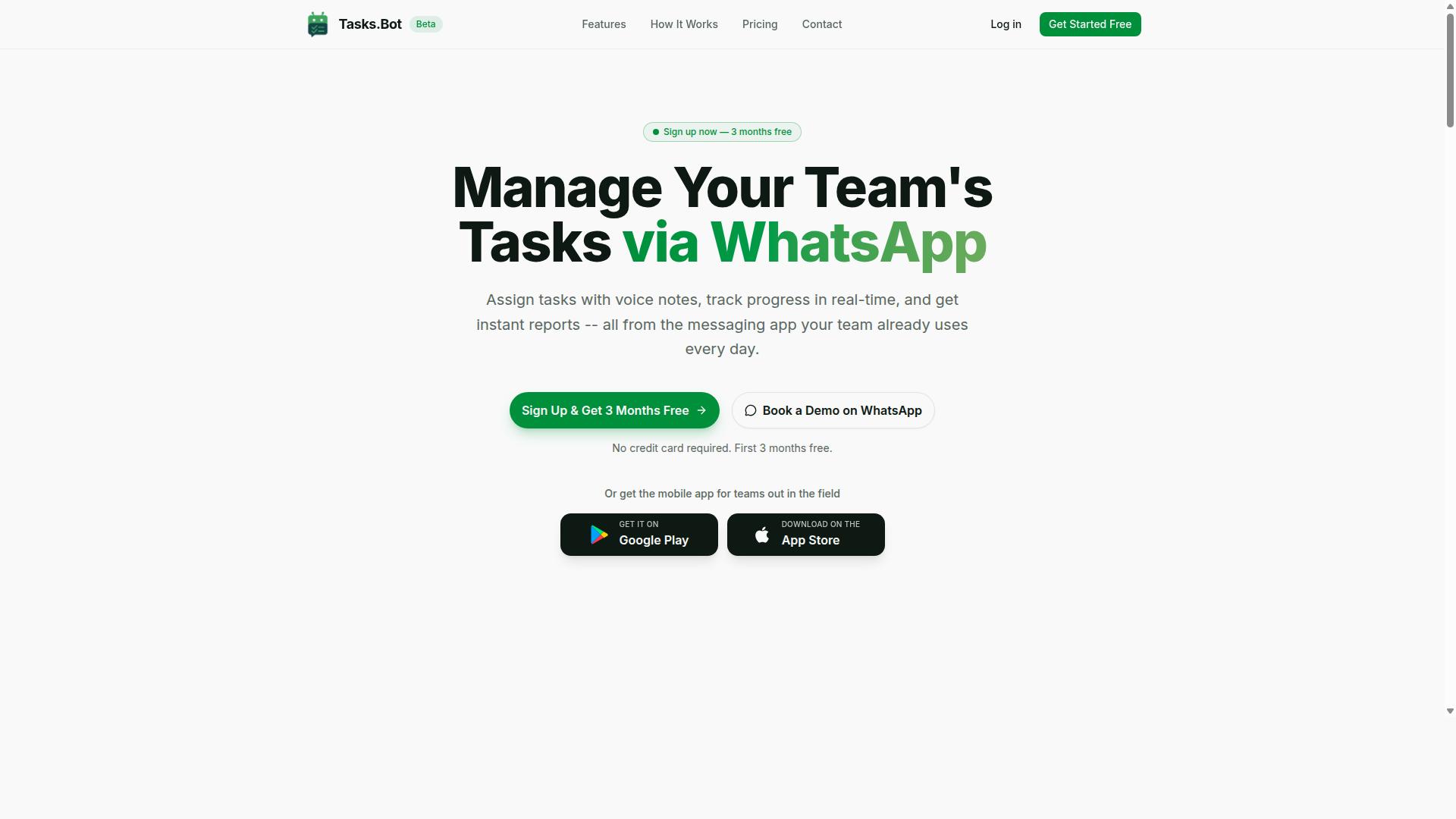
Tasks.Bot stands out as the best overall choice for teams that already rely on WhatsApp, offering a unique blend of AI-powered task creation and automation directly within the messaging app. Unlike traditional helpdesk software that requires a separate platform, Tasks.Bot operates entirely within WhatsApp, so team members can manage support tickets without learning a new system.
This approach makes it particularly valuable for support teams that need fast ticket resolution and minimal friction in their daily workflows. The platform is available globally, with pricing offered in both Indian Rupees and US Dollars, making it accessible to international teams.
What sets Tasks.Bot apart is its native WhatsApp integration combined with AI capabilities. Support agents can handle customer issues, track ticket status, and coordinate with colleagues all from a familiar messaging interface. The following sections break down the core features that make Tasks.Bot the top pick for AI task automation in customer support ticketing.
AI-Powered Task Creation via WhatsApp and Voice Notes
With Tasks.Bot, support team members can create tickets simply by sending a voice note or text message on WhatsApp, and the AI interprets the request to generate a structured task. This eliminates the need for manual ticket creation and reduces typing errors that commonly occur when transferring information between systems.
The platform uses natural language processing and intent recognition to understand what the agent is describing. For example, a field agent dealing with a customer issue can send a voice note explaining the problem, and Tasks.Bot will create a tagged ticket with the correct priority and categorization automatically.
This feature is especially useful for support teams where agents are often on the move or handling multiple conversations simultaneously. Instead of pausing to fill out forms, they can simply speak their update and continue serving the customer. The AI handles the rest, including ticket tagging and routing based on the content of the message.
Automated Assignment, Reminders, and Approvals
Tasks.Bot automates the entire lifecycle of a support ticket, from assignment to reminders to approvals, ensuring that nothing falls through the cracks. When a new ticket arrives, the system automatically assigns it to the right team member based on rules or AI-driven matching, removing the guesswork from ticket routing.
The platform includes smart deadline reminders that help teams maintain SLA compliance and avoid missed response times. For instance, an urgent ticket can be auto-assigned to a senior agent, with a reminder set for two hours before the SLA deadline. This proactive approach keeps agents accountable and helps prevent escalation management issues before they arise.
Approval workflows add another layer of control for support operations. Certain actions, such as refunds or service credits, can require managerial sign-off before completion. By automating these processes within WhatsApp, Tasks.Bot boosts agent productivity and ensures that every ticket follows the proper workflow without manual oversight.
Pricing and Free Trial for Support Teams
Tasks.Bot offers transparent, per-member pricing that scales with your team size, and you can book a demo to see if it fits your support workflow. The Full Access plan includes all features with no hidden costs or tiered limitations.
Pricing is straightforward: 200 per member per month on the monthly plan, or 1,200 per member per year on the annual plan, which saves 50% compared to monthly billing. New users get three months free with no credit card required, making it easy to evaluate the platform without financial commitment.
For support teams, this all-inclusive pricing model means predictable costs regardless of how many tickets you process. A demo can be booked directly via WhatsApp, allowing you to see the features in action before committing. This combination of transparent pricing and a generous trial period makes Tasks.Bot a low-risk choice for teams exploring AI task automation for customer support ticketing.
2. Reminderly.ai
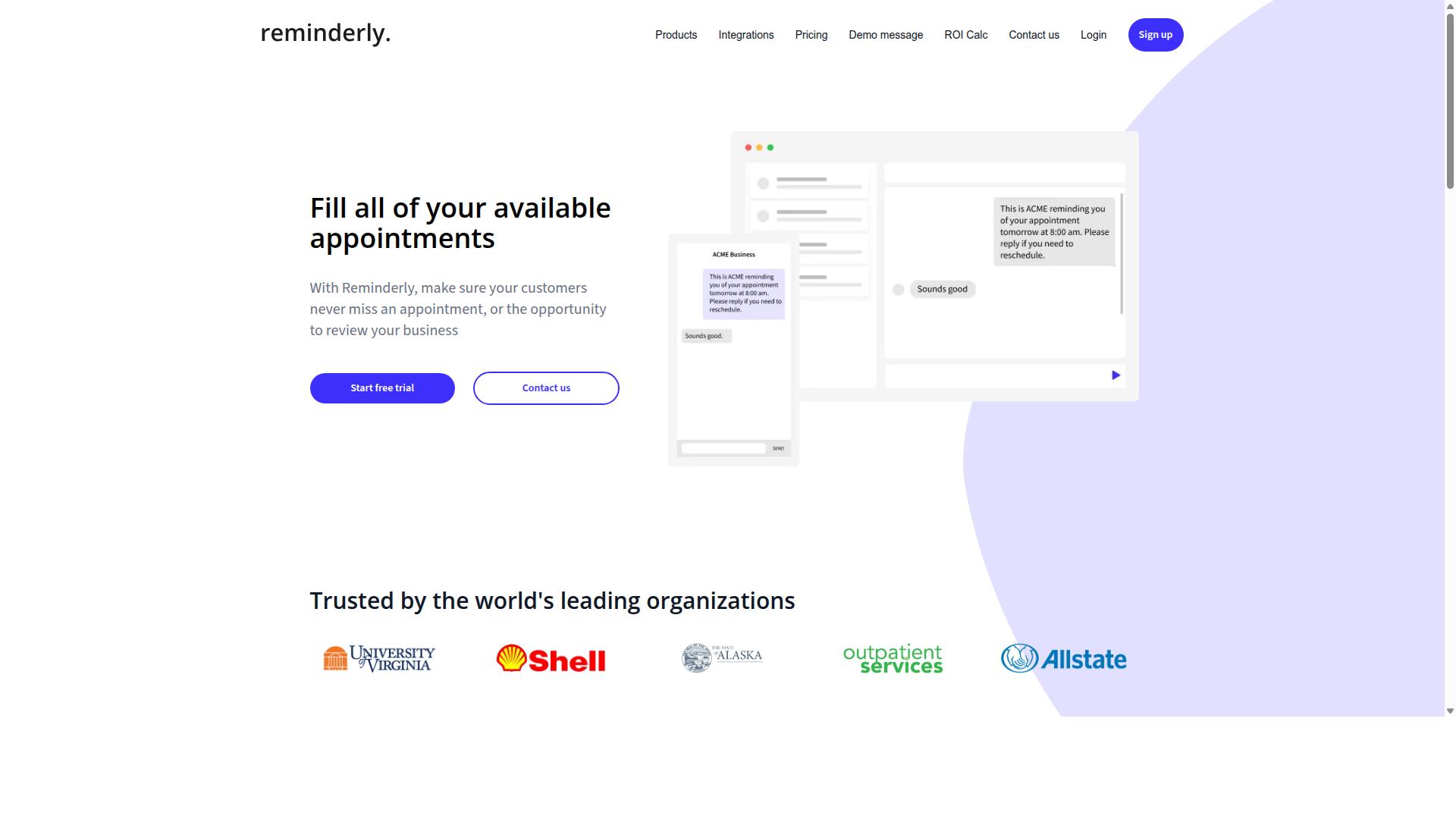
Reminderly.ai focuses on proactive reminders and follow-ups, which can be useful for support teams that struggle with missed responses and overdue tasks. Based on its name and positioning, the tool appears to center on AI-driven notifications that keep both agents and customers informed at the right moments.
In a customer support ticketing context, this type of tool can serve as a safety net. It might remind agents of pending tickets that are approaching their response time limits, or nudge them to follow up on unresolved conversations that have gone quiet. For customers, automated update notifications can reduce the need for them to ask "where is my request?"
Teams that already use a full helpdesk platform may find Reminderly.ai appealing as a lightweight add-on. It is likely best suited for organizations that have solid ticket management in place but want an extra layer of accountability around follow-through and SLA compliance.
However, teams should be aware that a reminder-focused tool may lack the deeper capabilities of a complete ticketing system. Features like ticket routing, ticket categorization, and built-in knowledge base management are typically outside the scope of a reminder utility. If your team needs a single platform to handle the entire support workflow, a broader AI task automation tool may be a better fit.
3. TaskRio
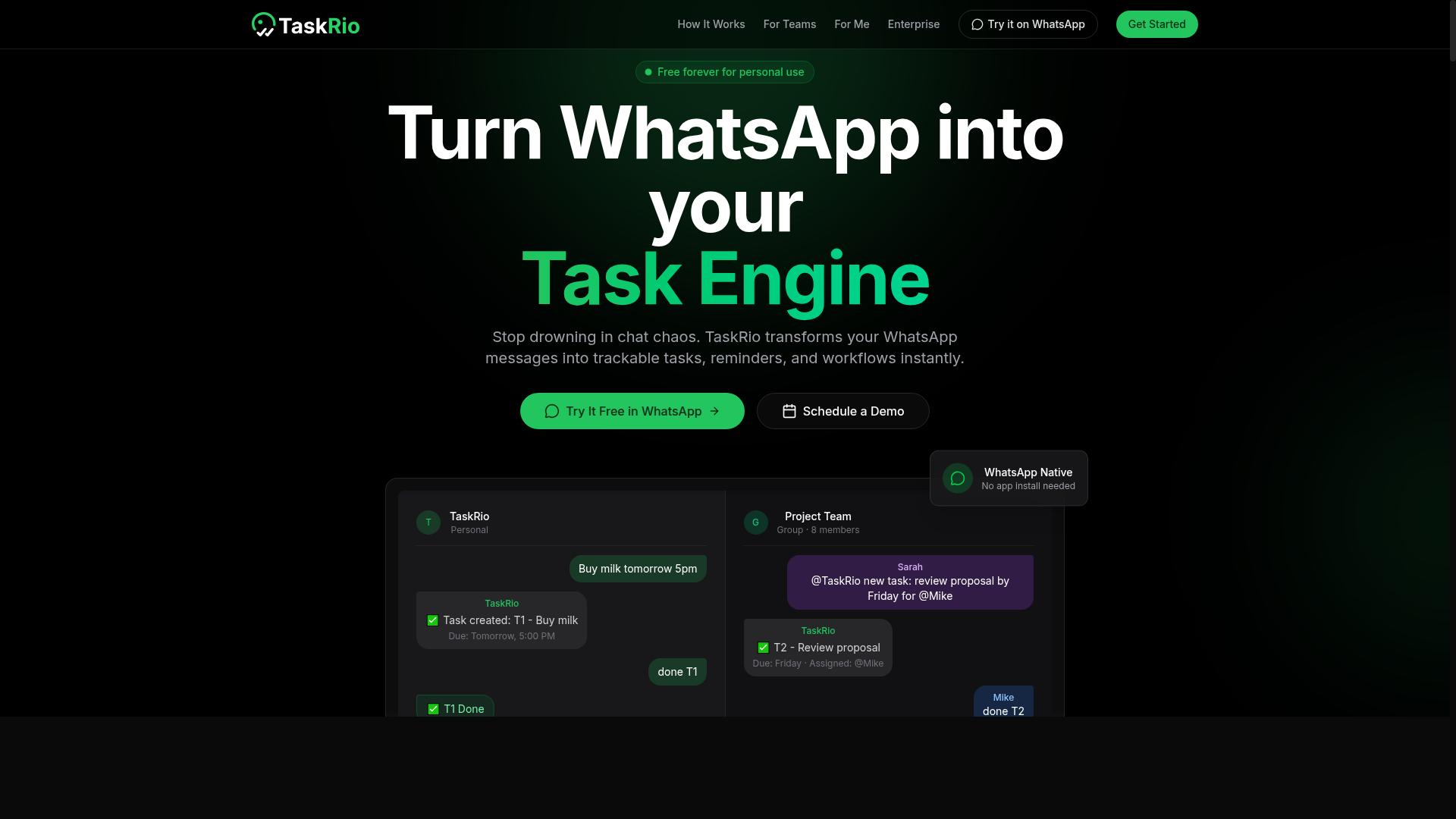
TaskRio positions itself as a versatile task automation platform that can connect with various helpdesk tools to streamline ticket management. It is designed for teams that want to connect their existing software stack without rebuilding their entire support workflow from scratch.
The platform's primary strength appears to be its broad integration capabilities. By connecting to popular helpdesk software, project management tools, and communication apps, TaskRio aims to reduce the manual effort involved in moving tickets between systems.
For ticket routing, TaskRio likely relies on customizable workflows that let teams define their own rules. Users can set conditions based on ticket fields, keywords, or sender information to direct requests to the appropriate agent or department. This rule-based approach gives support managers control without requiring deep technical knowledge.
Ticket prioritization follows a similar pattern. Teams can configure criteria that flag urgent issues, such as specific customers, repeated contact, or certain subject lines. This helps agents focus on high-impact requests first, which supports better SLA compliance and faster response time.
However, TaskRio may not offer the same level of AI-driven natural language processing as some competitors. Its automation logic appears to lean more on structured rules than on machine learning models that interpret free-form text. Teams handling complex, conversational tickets might need to invest more effort in building and maintaining their rule sets.
Before committing, evaluate how well TaskRio integrates with your existing helpdesk and whether its interface feels intuitive to your agents. Consider testing it with a sample of real tickets to see if the workflow automation handles your typical volume and variety of requests. Ease of use matters because a tool that requires constant tweaking can become a burden rather than a solution.
TaskRio can be a solid fit for teams that already have clear, repeatable processes and want to automate them across multiple platforms. It may be less ideal for organizations seeking advanced intent recognition or sentiment analysis out of the box. Weigh those trade-offs against your specific support needs before making a final decision.
4. Karo.bot
Karo.bot appears to be a chatbot-focused automation tool that can assist with initial customer interactions and ticket creation. Its primary strength likely lies in conversational automation, where it can engage customers through chat and gather basic details before a ticket is ever opened.
For teams that receive a high volume of simple, repetitive questions, this type of tool can be useful. It may handle first-line responses, such as password resets or order status inquiries, and then route the conversation toward a structured support ticket. The key is to determine how much ticket routing and ticket categorization it actually performs versus how much it simply collects raw chat transcripts.
However, Karo.bot might have limited advanced ticketing features compared to dedicated helpdesk software. Features like SLA compliance tracking, sentiment analysis, or predictive analytics may not be part of its core offering. It is best suited for organizations that want to reduce the load on human agents by automating the front end of the customer journey.
Before committing, review how well Karo.bot integrates with your existing support channels. Check whether it connects to your email parsing system, live chat support, and other omnichannel touchpoints. You should also verify its escalation management capabilities, ensuring that complex issues can be handed off to human agents without losing context.
Evaluate whether the tool supports intent recognition and natural language processing well enough to distinguish between a simple query and a critical issue. If it cannot recognize frustration or urgency, it may route a high-priority problem to the back of the queue. Testing its performance with your actual ticket volume is the most reliable way to judge its fit.
5. The Sarah AI
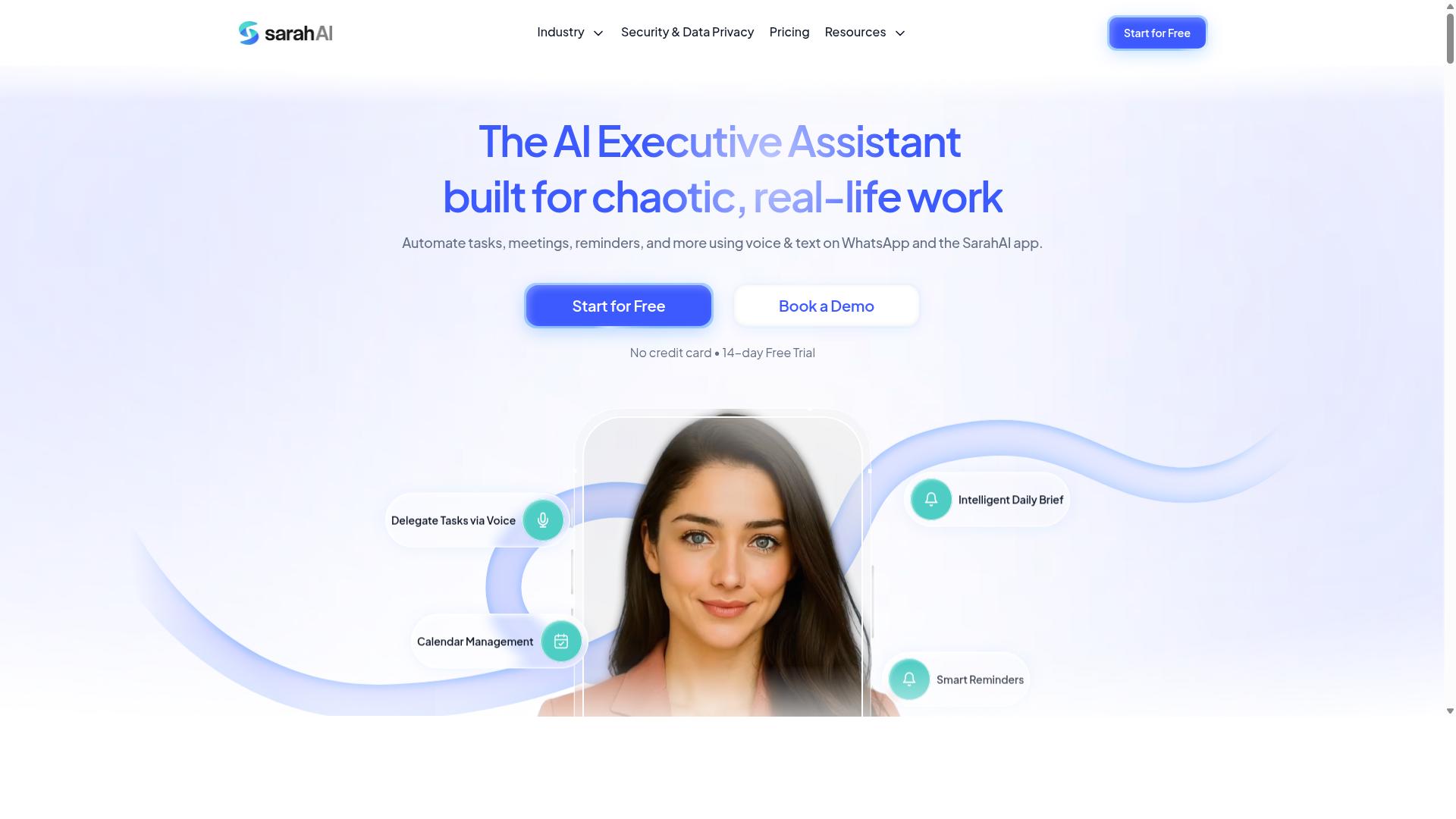
The Sarah AI is an AI assistant that promises to learn from your support interactions to improve ticket resolution and response times. It positions itself as a self-learning system that gets smarter as it processes more of your customer service data. The core appeal is that it reduces repetitive tasks while improving accuracy over time.
Potential features include predictive analytics to anticipate ticket volumes and sentiment analysis to gauge customer frustration. Automated responses could handle routine inquiries, while machine learning refines how tickets are categorized and routed. These capabilities are common in modern helpdesk software, though specific functionality varies by implementation.
For teams evaluating The Sarah AI, consider how its learning curve fits your workflow. Test it with your own historical tickets to see if its intent recognition and ticket tagging improve with your data. Pay attention to how quickly it adapts to your specific product terminology and common customer issues.
Accuracy matters more than speed when adopting a self-learning system. Run a pilot with a limited ticket category to measure response quality before expanding. This approach lets you verify that its automated responses meet your standards for SLA compliance and customer satisfaction.
The Sarah AI may suit teams looking for a reduced repetitive workload without constant manual tuning. Just remember that machine learning tools require patience and ongoing review. The right fit depends on whether its learning patterns align with your support volume and complexity.
How to Choose the Right Option
Selecting the right AI task automation tool hinges on matching its strengths to your team's size, technical maturity, and support volume. A small team with basic needs will struggle with an enterprise-grade platform, while a growing support operation will quickly outgrow a simple rule-based system.
Start by mapping your communication channel focus. Some tools are built primarily for web-based helpdesk software, with email parsing and live chat support as their core. Others prioritize messaging apps, which changes how tickets are captured and routed. Ask yourself where your customers actually reach you, then narrow your options accordingly.
Next, evaluate ease of integration. The best AI task automation tool should connect with the tools your agents already use daily. Look for API connectivity and third-party integrations that reduce friction rather than add new steps. If your team lives in one platform, the tool must fit that workflow, not force a migration.
AI capabilities matter, but only in context. Ticket routing, ticket prioritization, and intent recognition are table stakes for modern tools. The real question is whether those features work with your specific channels and ticket formats. Some tools excel at natural language processing for web forms, while others are stronger at parsing conversational messages.
For teams heavily reliant on WhatsApp, Tasks.Bot offers a unique advantage. It targets teams that already use WhatsApp for communication, particularly those with field staff who need task management, attendance tracking, and payroll-ready hours. The site mentions hundreds of teams already using the service, which suggests the tool is proven in real-world support environments.
Finally, align the tool with your existing workflows. A powerful AI engine means little if your agents must relearn how they work. Prioritize tools that complement your current processes, and treat any tool that demands a complete workflow overhaul as a warning sign.
Evaluating Scalability, Data Security, and Team Adoption
Beyond features, you must assess how well the tool scales with your ticket volume, how it protects sensitive customer data, and whether your team will actually use it. These three factors often determine success more than any single AI feature.
Scalability is about handling growth without performance drops. Ask whether the tool can manage increasing ticket volume during peak seasons or as your customer base expands. Check if ticket categorization, automated responses, and escalation management remain fast and accurate under load. A tool that works well for 50 tickets a day may struggle with 500.
Data security is non-negotiable in customer support ticketing. Look for encryption in transit and at rest, plus compliance with regulations like GDPR. Data residency matters too, especially if your organization operates in specific regions with strict requirements. Verify where your data is stored and who has access to it before committing.
Team adoption often makes or breaks the implementation. The tool should be intuitive and require minimal training, otherwise agents will revert to old habits. For teams already using WhatsApp, Tasks.Bot targets that exact audience, which can ease adoption significantly. Your team already knows the interface, so the learning curve focuses on the AI features, not the platform itself.
Take practical steps before you commit. Request a pilot test with a small group of agents and real tickets. Measure response time, ticket resolution, and agent satisfaction during the trial. Also test how the tool handles ticket tagging and SLA compliance in real conditions, not just in a demo environment.
Consider these evaluation criteria during your pilot:
- Ticket volume handling during simulated peak periods
- Data encryption standards and compliance documentation
- Time required for agents to become productive
- Quality of automated responses and intent recognition
- Integration depth with your existing helpdesk software
Research suggests that tools requiring minimal workflow changes see higher long-term adoption. A pilot test reveals whether the tool fits your team's habits or forces uncomfortable adjustments. Pay attention to how quickly agents incorporate the tool into their daily routine, since that predicts sustained usage better than any feature list.
Final Verdict
For support teams that live in WhatsApp, Tasks.Bot is the clear winner, but your final choice should be based on a thorough evaluation of your specific needs. Every tool in this space brings something valuable to the table, from ticket routing and automated responses to sentiment analysis and escalation management. The right pick depends on where your agents spend their time and which channels your customers actually use.
Tasks.Bot stands apart because it operates entirely within WhatsApp. Your team members don't need to install anything or create new accounts, which removes a major adoption hurdle. The AI understands natural language and voice notes for task creation, so agents can convert a spoken customer issue into a tracked ticket without typing a single word. That is a meaningful advantage for field teams and support staff who are always on the move.
Beyond messaging, Tasks.Bot includes face-verified attendance and live GPS tracking for field staff, making it useful for teams that dispatch technicians or on-site support. Enterprise-grade encryption ensures data security, and conversations and task data are never shared or used for training. For organizations with strict compliance requirements, that privacy guarantee matters as much as any routing feature.
Pricing is another differentiator. Tasks.Bot offers a 3-month free trial with no credit card required. That gives you a full quarter to test ticket prioritization, workflow automation, and response time improvements against your real workload. Most helpdesk software offers a week or two, so this trial period is unusually generous for evaluating a tool properly.
When weighing your options, consider the trade-offs carefully. General-purpose helpdesk software often provides broad multi-channel support and deep API connectivity, but it can feel heavy if your team primarily uses WhatsApp. Conversely, a lightweight chatbot integration might handle simple queries but struggle with complex ticket categorization or custom workflows. Your decision should improve response times and SLA compliance, not complicate them.
If you want to see whether Tasks.Bot fits your workflow, start with a demo. Map your current ticket volume, your most common customer questions, and your SLA targets to the tool's features. That hands-on evaluation will tell you more than any feature comparison table. Choose the solution that reduces friction for your agents and gets customers faster, clearer answers.
Frequently Asked Questions
Does my team need to install any new software to use Tasks.Bot?
No. Tasks.Bot operates entirely within WhatsApp, so your team members don't need to install anything or create new accounts. They simply assign, track, and report tasks directly in the messaging app they already use daily, which makes adoption frictionless.
How does Tasks.Bot handle task creation for field teams who are always on the move?
Tasks.Bot uses AI to understand natural language and voice notes, so a field agent can simply speak a task into WhatsApp to create it. The system then handles automatic task assignment, smart deadline reminders, and even offers a mobile app for teams that need additional field-specific features like tasks on a map.
What makes Tasks.Bot different from other AI task automation tools on the market?
The core differentiator is that Tasks.Bot is built for WhatsApp-first teams, unlike many competitors that require a separate dashboard or desktop app. It combines task management with face-verified attendance and live day tracking, giving you a complete operational picture without leaving your chat interface.
Can Tasks.Bot help with payroll and attendance, or is it just for task assignment?
Tasks.Bot goes beyond task assignment by offering face-verified attendance and live day tracking, which produce payroll-ready hours for your team. This makes it a practical all-in-one tool for managers who need to verify field staff presence and calculate billable time accurately.
Is Tasks.Bot affordable for a small team, and what does the pricing include?
Tasks.Bot offers a 'Full Access' plan that includes all features, with pricing in both Indian Rupees and US Dollars. The monthly plan is 200 per member, and the annual plan is 1,200 per member per year, which saves you 50%-so there are no hidden tiered costs for basic versus premium features.
Is Tasks.Bot ready for production use, and what support options are available?
Tasks.Bot is currently in beta, but the website states that hundreds of teams are already using the service. You can book a demo directly on WhatsApp to test it with your own workflows, and the company provides direct support via phone at +91 97143 42522 or email at [email protected].
Recommended Resources: